Exploratory Testing: Intelligent and Adaptive Validation
Introduction to Exploratory Testing
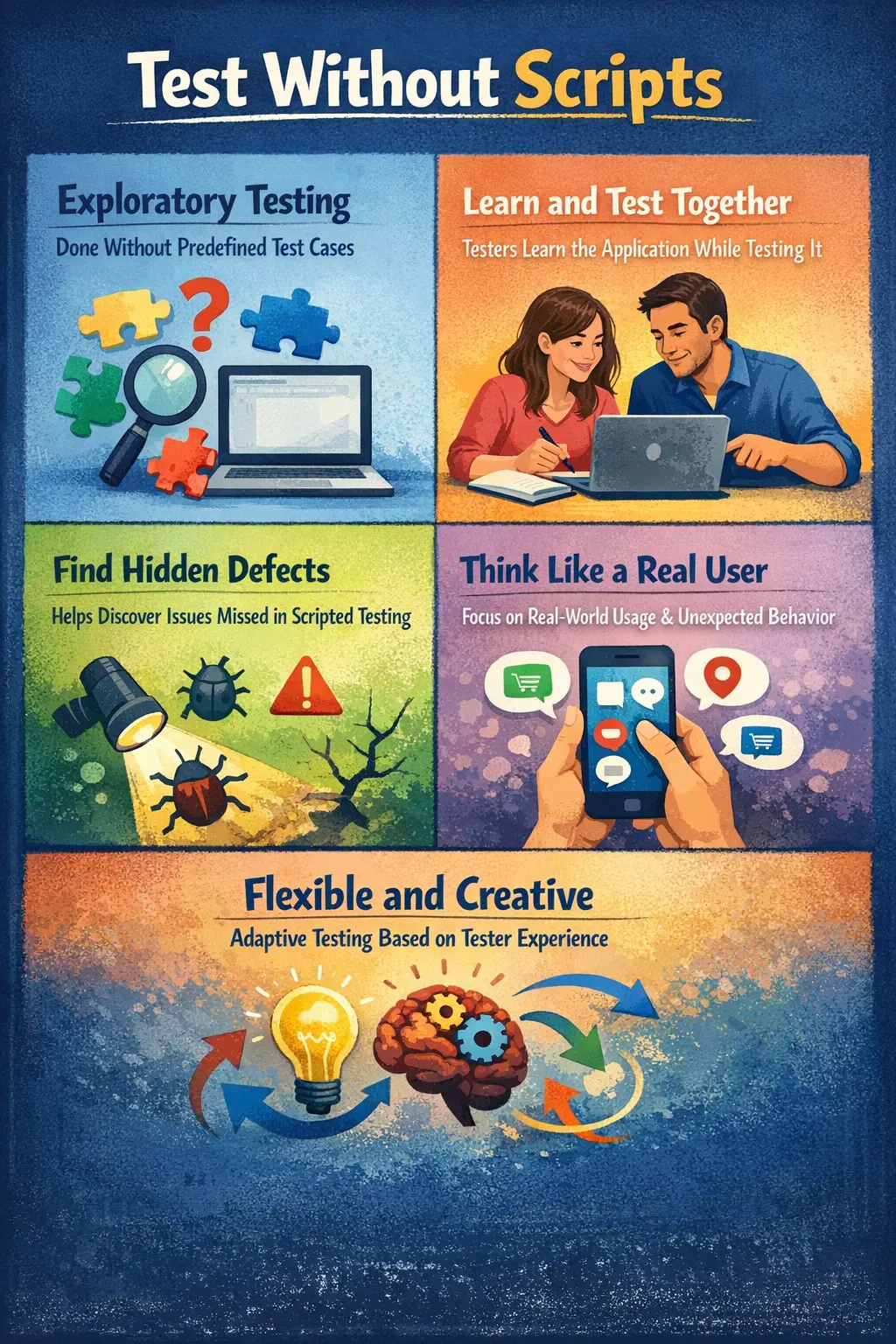
Exploratory Testing is a dynamic approach to testing where learning, test design, and execution occur simultaneously. Instead of strictly following predefined test cases, the tester actively explores the application based on experience, intuition, and observation. Exploratory testing answers an important question: what happens if I use the system like a real user?
This approach allows testers to move beyond scripted scenarios and investigate unexpected behaviors.
Purpose of Exploratory Testing
The primary goal of exploratory testing is to discover defects that structured or scripted testing might miss. Scripted test cases are useful because they confirm known requirements and expected paths, but they cannot always predict how users will behave, how data will combine, or how the application will respond under unusual conditions. Exploratory testing fills this gap by allowing the tester to investigate the product actively while learning from each observation.
It helps testers gain a deeper understanding of application behavior and uncover hidden issues in real-world scenarios. A tester may notice that a workflow technically works but feels confusing, that an error message appears too late, that a page behaves differently with certain data, or that a user can reach a state the requirement document never described. These discoveries are valuable because real users often interact with software in ways that formal test cases do not fully cover.
Exploratory testing enhances overall test coverage by validating areas that may not have been explicitly defined in test cases. It is especially effective in identifying usability concerns, workflow gaps, edge-case failures, data combinations, unclear messages, and inconsistent behavior between modules.
Another important purpose is fast learning. When a feature is new, unstable, or poorly documented, exploratory testing helps the tester understand how it behaves. That learning can later improve formal test cases, automation candidates, regression scope, and defect reports. In this sense, exploratory testing is not only a defect-finding technique; it is also a product-learning activity.
Key Characteristics
Exploratory testing is either unscripted or loosely guided by high-level objectives. It is tester-driven and heavily influenced by domain knowledge, product understanding, previous defect patterns, and practical experience. The approach is flexible and adaptive, meaning the tester can change direction based on findings during execution.
Rather than focusing only on expected results, exploratory testing emphasizes discovery. The tester is not limited to verifying whether a predefined step passes or fails. The tester asks questions, observes behavior, follows clues, compares patterns, and challenges assumptions. This makes exploratory testing especially useful when the product has complex workflows or incomplete documentation.
A key characteristic is simultaneous learning, design, and execution. The tester learns from the application, designs the next test idea based on that learning, executes the idea, and then uses the result to decide the next direction. This cycle continues throughout the session. It is disciplined thinking in motion, not random activity.
Exploratory testing also depends strongly on observation. The tester watches not only whether the final outcome is correct, but also whether the path to that outcome makes sense. Delays, flickering messages, confusing labels, inconsistent button states, unexpected navigation, and missing feedback may all become useful clues.
When Exploratory Testing Is Performed
Exploratory testing is often conducted after executing formal functional test cases to uncover additional issues. Once known requirements have been validated, exploratory testing helps testers move beyond the documented paths and investigate how the application behaves in less obvious situations.
It is also valuable when requirements are unclear, during early builds when documentation is incomplete, or when timelines are tight and rapid validation is required. In early builds, formal test cases may not yet be stable, but testers can still explore the feature, identify major risks, and give useful feedback to the team.
Exploratory testing is useful after defect fixes as well. A tester may re-test the specific defect first, then explore nearby behavior to see whether the fix created side effects. This is especially helpful when the defect involved complex logic or an area with repeated failures.
Because it adapts quickly, exploratory testing fits well in Agile environments. Agile teams often need fast feedback on new stories, changing acceptance criteria, and partially completed flows. Exploratory testing gives testers a way to provide meaningful feedback even when the product is evolving rapidly.
It is also helpful before release, especially for critical user journeys. A focused exploratory session on login, checkout, search, reporting, or payment can reveal late usability or workflow issues that scripted regression may not catch.
Role of the Manual Tester
In exploratory testing, the manual tester plays a central and creative role. The tester uses domain knowledge and practical understanding to explore different user paths. They think from multiple user perspectives, observe system behavior carefully, and identify inconsistencies that may not be obvious from scripted checks.
The tester must be curious but disciplined. Curiosity helps the tester ask better questions: What happens if I cancel here? What happens if I go back? What happens if I combine filters? What happens if I enter a long value? Discipline keeps the session focused so that exploration produces useful results rather than scattered observations.
The tester also acts as an investigator. When something unusual happens, the tester follows the clue. A slow response may lead to performance concerns. A confusing message may lead to usability issues. A value that changes unexpectedly may lead to data integrity defects. Exploratory testing rewards testers who notice small signals and investigate them thoughtfully.
Detailed defect logging is essential because exploratory sessions often uncover subtle and unexpected problems. Since there may not be a predefined test case, the tester must record the path clearly enough for developers to reproduce the issue. Good notes, screenshots, screen recordings, test data, and environment details are especially important.
The manual tester also summarizes learning from the session. Even when no defects are found, the session may reveal coverage information, risk areas, unclear behavior, or opportunities to improve test cases. This feedback is valuable to the team.
Exploratory Testing Compared to Scripted Testing
Scripted testing requires preparation and predefined test steps. It provides structured and predictable coverage. A scripted test case tells the tester what to do, what data to use, and what result to expect. This is useful for requirement validation, repeatability, regression testing, and auditability.
Exploratory testing, in contrast, requires less upfront documentation and offers high flexibility. Coverage is dynamic and evolves during execution. Instead of following a fixed path, the tester uses observations to decide the next path. If the application behaves unexpectedly, the tester can investigate immediately rather than waiting for a new test case to be written.
Scripted testing is strong when the expected behavior is clear and must be repeated consistently. Exploratory testing is strong when the behavior is complex, new, unclear, risky, or likely to contain unknown issues. Scripted testing confirms what the team already knows to check. Exploratory testing helps discover what the team did not know to check.
While scripted testing ensures requirement validation, exploratory testing increases defect discovery through adaptive exploration. Both approaches complement each other and should coexist in a balanced testing strategy. A mature testing process does not treat them as competitors. It uses scripted tests for stability and repeatability, and exploratory testing for learning, investigation, and discovery.
Common Techniques
Exploratory testing often uses structured techniques such as session-based testing, where testers work within defined time blocks and objectives. A session may last thirty, sixty, or ninety minutes and may focus on a specific feature, workflow, risk, or user type. The time box keeps exploration focused and makes the results easier to summarize.
Risk-based exploration focuses on high-impact areas. Testers spend more time on features that are business-critical, technically complex, recently changed, frequently used, or historically defect-prone. This is practical because exploratory testing time is limited, and the highest-risk areas usually deserve the deepest investigation.
Error guessing relies on past defect patterns and tester experience. A tester who has seen many validation defects may intentionally try blank fields, long input, special characters, duplicate records, expired data, and rapid repeated actions. This technique uses experience to predict where defects may hide.
Boundary exploration tests extreme input conditions. If a field allows one hundred characters, the tester tries ninety-nine, one hundred, and one hundred one. If a cart allows fifty items, the tester checks behavior around that limit. Boundary exploration is useful because many defects occur at limits.
User persona testing simulates behavior of different user types. An administrator, first-time user, expert user, mobile user, impatient user, and restricted user may interact with the same feature differently. Exploring from these perspectives helps reveal workflow and permission issues.
Scenario variation is another useful technique. The tester starts with a normal path, then changes one condition at a time: different data, different role, different order of actions, different browser, or different navigation path. These techniques bring structure to what might otherwise seem unstructured.
A Practical Example
Consider testing a search feature. A scripted test case may verify that entering a known product name returns matching results. Exploratory testing goes further. A tester might try valid and invalid inputs, partial words, misspellings, uppercase and lowercase text, special characters, very long search terms, empty input, and copied text with hidden spaces.
The tester may combine search with filters, sorting, pagination, category selection, and browser back navigation. They may search, apply a filter, clear the filter, move to page two, change the sort order, and then search again. These paths simulate how users actually experiment with search results.
The tester may also observe response time, loading indicators, empty result messages, result count accuracy, and whether old results remain visible while new results are loading. By experimenting beyond predefined scenarios, exploratory testing can reveal unexpected crashes, performance lags, stale results, inconsistent filters, or confusing messages.
Such issues may not appear in standard test cases because standard cases often validate only expected inputs and straightforward flows. Exploratory testing adds real-user variation and investigative thinking.
Documentation in Exploratory Testing
Although exploratory testing is flexible, it should not be random. Test charters define objectives for each session. Testers maintain notes and observations, document defects clearly, and provide session summaries. Proper documentation ensures findings are traceable and actionable.
A test charter gives direction without turning the session into a rigid script. For example, a charter may say, "Explore checkout behavior for discount, tax, and payment combinations," or "Explore search behavior with filters and unusual input." The charter defines the mission, while still allowing the tester to adapt during execution.
Notes are important because exploratory testing can move quickly. The tester may discover a defect after a sequence of actions that was not planned in advance. If the tester does not record the path, reproducing the issue later may become difficult. Notes can include actions performed, data used, questions raised, defects found, and areas that need follow-up.
Session summaries make exploratory testing visible to the team. A summary may include the charter, time spent, areas covered, defects logged, risks observed, blockers encountered, and recommendations. This proves that exploration was disciplined rather than uncontrolled.
Good documentation also helps convert discoveries into future assets. A defect found during exploration may lead to a new regression test. A repeated observation may lead to a checklist. A confusing requirement may lead to clarification. In this way, exploratory testing improves the wider testing process.
Common Defects Identified
Exploratory testing often uncovers usability problems, workflow gaps, edge-case failures, improper error handling, and inconsistencies between modules. Because it mimics real user behavior, it reveals issues that scripted tests may overlook.
Usability problems are common findings. A feature may technically work, but the user may not know what to do next. A button may be hidden, a label may be confusing, or an error message may not explain how to recover. Scripted tests may pass because the expected result occurs, while exploratory testing notices the user experience problem.
Workflow gaps appear when a user can enter a state the design did not consider. For example, a user may save a draft, navigate away, return later, and find missing data. A user may cancel a transaction and still receive a confirmation message. These issues often require multi-step exploration.
Edge-case failures occur with unusual but valid conditions. Long names, multiple roles, expired links, boundary dates, empty states, duplicate records, and maximum limits can all reveal hidden defects.
Improper error handling is another strong area for exploratory testing. Testers may intentionally interrupt flows, enter invalid combinations, refresh pages, use back navigation, or submit forms repeatedly. These actions can reveal unclear messages, application crashes, duplicate submissions, or incomplete recovery.
Common Pitfalls
A common misconception is that exploratory testing means random clicking without planning. Without documentation, valuable insights can be lost. Another mistake is skipping structured objectives, which reduces effectiveness.
Another pitfall is using exploratory testing as a replacement for all structured testing. Exploration is powerful, but it should not eliminate requirement-based validation, regression testing, or carefully designed test cases. It complements those activities.
Some testers explore too broadly without finishing any meaningful investigation. They jump from one screen to another without a charter, notes, or risk focus. This may feel active but produce little value. Good exploratory testing has a mission.
Another mistake is failing to reproduce defects before reporting them. Exploratory defects can involve unusual paths, so the tester should try to reproduce the issue and capture the sequence clearly. Otherwise, defects may be rejected as not reproducible.
Exploratory testing requires skill, focus, and discipline. It is most effective when the tester combines curiosity with structure.
Best Practices for Exploratory Testing
The first best practice is to use a clear charter. A charter keeps the session focused without removing flexibility. It tells the tester what area, risk, feature, or user behavior to explore.
The second best practice is to time-box the session. A fixed time period encourages focus and makes results easier to report. At the end of the session, the tester can summarize what was covered and what remains open.
The third best practice is to take useful notes while testing. Notes should be light enough not to slow down exploration but detailed enough to preserve important findings. Screenshots and recordings can help capture complex paths.
The fourth best practice is to focus on risk. Critical workflows, recent changes, complex logic, and defect-prone modules deserve more exploratory attention than low-risk areas.
The fifth best practice is to turn discoveries into action. Defects should be logged clearly, unclear requirements should be raised, useful scenarios should be added to test coverage, and repeated patterns should influence future regression planning.
Exploratory Testing in Agile Projects
Exploratory testing fits naturally in Agile projects because Agile teams work with frequent change, short feedback cycles, and evolving requirements. Testers can explore a story as soon as a working version is available, even before every formal test case is written.
During a sprint, exploratory testing helps validate acceptance criteria from a user perspective. It also helps discover questions that were not discussed during refinement. If a workflow is confusing or a rule is unclear, exploratory feedback can reach the team quickly.
Exploratory testing is also useful during sprint regression. Instead of only repeating known checks, testers can explore around changed areas and defect-prone flows. This improves the chance of finding side effects before release.
Interview Perspective
In interviews, exploratory testing is commonly described as simultaneous learning, test design, and execution. A strong explanation emphasizes leveraging tester experience to uncover defects that scripted testing may not detect.
A stronger interview answer explains that exploratory testing is not random testing. It is guided by tester skill, product knowledge, risk awareness, charters, notes, and disciplined observation. It is adaptive because the tester changes direction based on what is learned during execution.
If asked for an example, a search feature is effective. The tester can explain trying normal search terms, special characters, filters, sorting, pagination, rapid navigation, empty results, and long inputs. This shows how exploratory testing goes beyond predefined cases.
If asked to compare exploratory testing with scripted testing, the answer should clarify that scripted testing provides repeatable requirement coverage, while exploratory testing improves discovery and learning. Both are valuable in a balanced test strategy.
Key Takeaway
Exploratory Testing uncovers hidden defects and usability gaps through intelligent and adaptive exploration. It complements structured testing by adding creativity and real-user thinking. When practiced correctly, it significantly strengthens overall product quality.
The strength of exploratory testing is that it uses the tester's mind as an active testing tool. Instead of only following instructions, the tester studies the product, asks questions, follows evidence, and adapts. This makes exploratory testing especially valuable in complex, changing, or poorly documented systems.
Good exploratory testing is not uncontrolled clicking. It is focused investigation supported by charters, notes, risk thinking, and clear reporting. When combined with scripted testing, it gives teams both structured confidence and discovery power.