Quality Attributes in Software: Defining How Well a System Works
Introduction to Quality Attributes
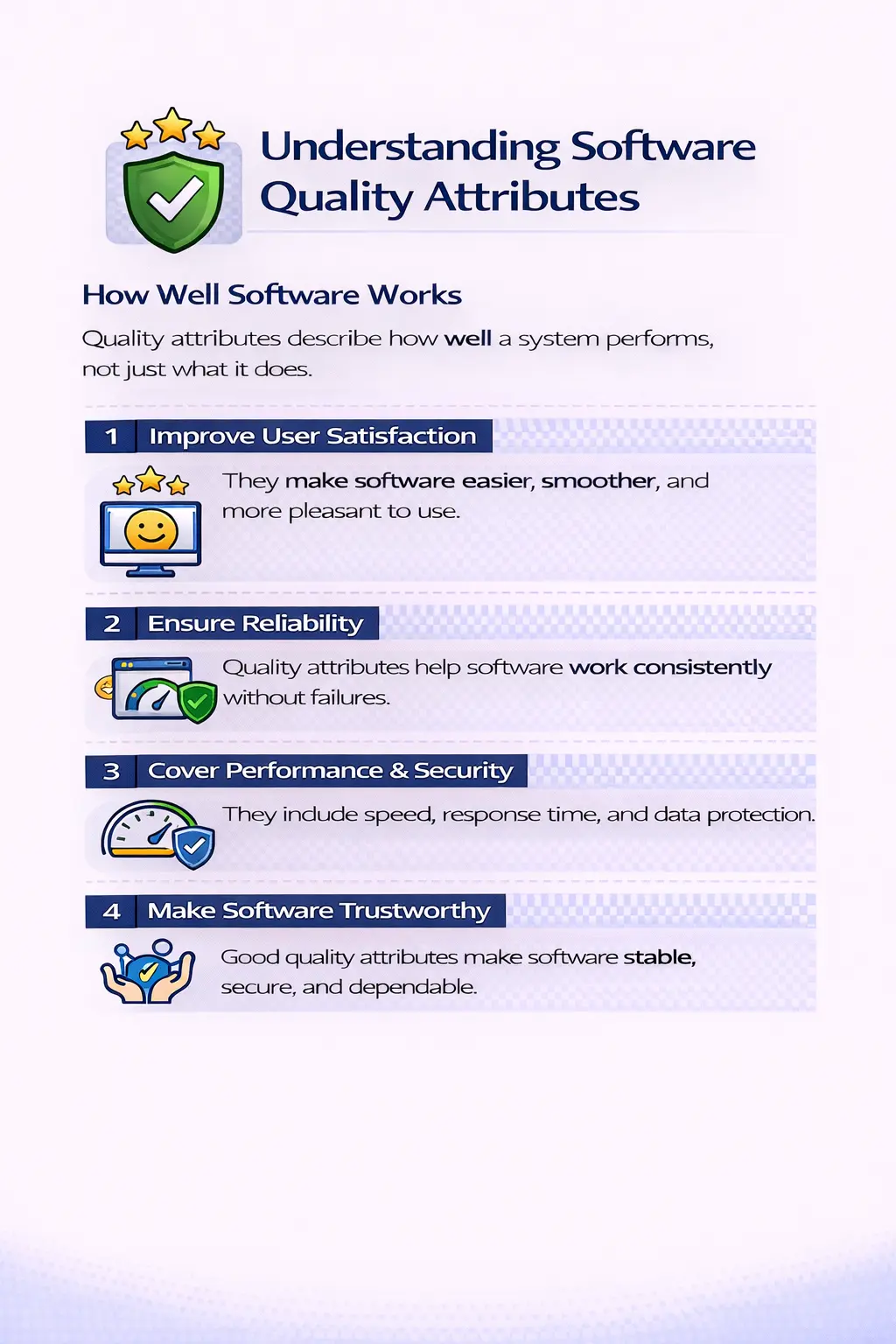
Quality attributes are the measurable characteristics that describe how well a software system performs its functions rather than what functions it performs. Functional requirements explain what the system should do, such as allowing a user to log in or place an order. Quality attributes describe how effectively, securely, and reliably those functions are delivered.
In simple terms, functional requirements define capability, while quality attributes define excellence. Together, they shape the real user experience.
Quality Attributes as Non-Functional Expectations
Quality attributes are often discussed as non-functional requirements, but the phrase non-functional can be misleading. These attributes are not secondary or optional. They describe the qualities that make a feature acceptable in real use. A login feature may be functionally correct because it accepts valid credentials and rejects invalid ones, but its real quality depends on whether it is secure, fast, reliable, easy to understand, and consistent across supported devices. Quality attributes therefore define the conditions under which functionality becomes valuable.
In real projects, quality attributes help teams move beyond a narrow checklist of features. They force the team to ask how the software should behave under realistic usage. How quickly should a page respond? How many users should the system support? How should the application recover after an error? How easy should the workflow be for a first-time user? What level of browser support is required? These questions help transform vague expectations into testable quality goals.
Why Quality Attributes Must Be Defined Early
Quality attributes should be discussed early because they influence architecture, design, development, testing, infrastructure, and release decisions. If performance expectations are discovered only at the end, the team may realize that the database design, API structure, or page loading approach cannot support the needed response time. If security expectations are ignored during design, fixing them later may require major changes to authentication, authorization, data storage, and logging. Early clarity prevents expensive rework.
Early definition also helps testers plan better. If the team knows that reliability, compatibility, and usability are critical, test strategy can include regression coverage, environment coverage, exploratory sessions, and user workflow validation. Without quality attribute expectations, testing may focus only on whether features exist. That approach can produce software that technically meets requirements but fails in real usage because quality risks were not addressed.
Functional Requirements vs Quality Attributes
Functional requirements explain what the system should do. They describe capabilities such as user registration, order placement, report generation, password reset, payment processing, search, filtering, or file upload. Quality attributes explain how well those capabilities must work. They describe speed, reliability, security, accessibility, usability, compatibility, maintainability, scalability, and other characteristics that affect acceptance.
For example, a functional requirement may say that users can download an invoice. Quality attributes add important expectations: the invoice should generate within an acceptable time, include accurate data, remain available after refresh, be accessible to authorized users only, render correctly on supported browsers, and not expose another customer’s information. The function is the download capability. The quality attributes describe whether that capability is trustworthy, usable, and production-ready.
Quality Attributes and User Experience
Users often judge software quality through quality attributes more than through feature lists. A system may contain all requested features, but if it is slow, confusing, unstable, or inconsistent, users will still view it as poor. On the other hand, a product with fewer features but excellent reliability, clarity, speed, and security may earn strong user trust. This is why quality attributes have a direct relationship with user experience.
User experience is shaped by many small quality signals. A form that clearly explains validation errors creates confidence. A page that loads quickly reduces frustration. A workflow that remembers saved progress feels reliable. A system that prevents unauthorized access builds trust. A mobile layout that works well on smaller screens improves accessibility and reach. These details may not always appear as separate functional requirements, but they determine whether users feel the product is good.
Functionality as a Quality Attribute
Functionality is sometimes treated separately from quality attributes, but it remains a core quality dimension. A system must perform the intended business functions correctly and completely. Functional quality includes correct calculations, valid business rules, accurate workflow behavior, proper data saving, correct navigation, and expected outcomes. If a feature produces wrong results, no amount of visual polish or performance tuning can make it high quality.
From a testing perspective, functionality is validated through test cases, scenario testing, boundary checks, decision tables, use case testing, and exploratory testing. Testers confirm whether features satisfy requirements and business needs. They also check whether the functionality works with realistic data and different user roles. Functional quality is the foundation, but it becomes stronger when combined with reliability, usability, security, and other attributes.
Reliability as a Quality Attribute
Reliability describes how consistently a system performs over time. A reliable application behaves predictably, produces stable results, handles errors gracefully, and avoids frequent failures. Users depend on reliability when they perform important tasks. If a system works one moment and fails the next without clear reason, users lose confidence even if the feature sometimes works.
Reliability testing may include repeated execution, regression testing, session validation, error recovery checks, data persistence checks, and long-duration usage observations. A tester might validate whether a submitted order remains available in order history, whether a report can be generated repeatedly without failure, whether the system recovers after a temporary service interruption, or whether user sessions remain stable during normal activity. Reliability gives users the confidence that the product can be trusted.
Usability as a Quality Attribute
Usability measures how easy and intuitive the system is for its intended users. A usable system has clear labels, logical navigation, understandable messages, consistent controls, readable content, and workflows that match user expectations. Usability is not only about attractive design. It is about reducing confusion and helping users complete tasks without unnecessary effort.
Manual testers play an important role in assessing usability because they can experience the product like a user. They can identify unclear field names, hidden actions, confusing error messages, inconsistent button placement, excessive steps, and poor mobile behavior. Usability issues may not always block a feature, but they can reduce productivity, increase support requests, and weaken user satisfaction. A high-quality system should feel understandable and efficient to its audience.
Performance as a Quality Attribute
Performance describes how quickly and efficiently the system responds. Response time, page load time, processing time, throughput, and resource usage all influence performance quality. Users expect applications to respond within a reasonable time, especially for common actions such as login, search, save, checkout, report generation, and file upload. A feature that is correct but slow may still be unacceptable.
Performance expectations should be measurable where possible. Instead of saying that a page should be fast, a team may define that the dashboard should load within three seconds under normal expected load. Even when formal performance tools are not used by manual testers, testers can still observe delays, compare behavior across environments, report timeouts, and identify workflows that feel slow. Performance quality directly affects user satisfaction and business efficiency.
Security as a Quality Attribute
Security protects users, data, business operations, and organizational trust. A system with weak security cannot be considered high quality, even if its visible features work. Security quality includes authentication, authorization, input validation, session management, encryption, access control, audit logging, and protection against common attacks. Users expect the system to protect their information and prevent unauthorized actions.
Testers contribute to security validation by checking role-based access, attempting unauthorized navigation, testing negative inputs, verifying session timeout, confirming that sensitive data is not exposed in error messages, and validating that restricted actions are blocked. Deep security testing may require specialists, but basic security awareness belongs in everyday testing. A secure product reduces risk and builds confidence.
Compatibility as a Quality Attribute
Compatibility measures whether the software works correctly across supported environments. For web applications, this may include different browsers, browser versions, operating systems, devices, screen sizes, and network conditions. For enterprise systems, it may include integrations, database versions, identity providers, and deployment configurations. A feature that works only in one environment but fails in another has a compatibility quality problem.
Compatibility testing is practical because users do not all use the same setup. One user may access the system on a laptop with Chrome, another on a mobile phone with Safari, and another through a locked-down corporate environment. Testers validate whether important workflows remain consistent across supported environments. Good compatibility prevents environment-specific surprises after release.
Maintainability as a Quality Attribute
Maintainability describes how easily the software can be understood, fixed, tested, and enhanced. Users may not see maintainability directly, but they experience its consequences. A maintainable system can evolve faster, recover from defects more easily, and support new requirements with less risk. A poorly maintainable system becomes fragile and expensive over time.
Developers influence maintainability through code structure, naming, modularity, documentation, testability, and design choices. Testers support maintainability by writing clear defect reports, preserving useful test cases, maintaining reliable regression coverage, and identifying areas where change repeatedly causes failures. When maintainability is weak, even small changes can create large quality risks.
Scalability as a Quality Attribute
Scalability is the ability of a system to handle growth. Growth may come from more users, more data, more transactions, more integrations, more reports, or more business locations. A system may work well for a small group but fail when usage increases. Scalability quality is especially important for products expected to grow after release.
Scalability is often evaluated through performance and load testing, but manual testers can still identify scalability risks conceptually. They can ask whether workflows involve large data sets, whether reports may become slow as records increase, whether search filters can handle high volume, and whether user roles or configurations will expand. Scalability thinking helps teams prepare for future usage rather than only current conditions.
Portability as a Quality Attribute
Portability refers to how easily software can run in different environments. A portable application can be moved, deployed, or configured across supported environments without major problems. This may include moving from test to staging to production, supporting cloud deployment, running on different operating systems, or adapting to regional configurations. Poor portability often appears as environment-specific failures.
Testers may observe portability issues when features work in one environment but fail in another due to configuration, paths, dependencies, permissions, time zones, or data differences. Good deployment discipline, configuration management, environment validation, and clear documentation support portability. In modern projects, portability is closely related to release confidence and operational reliability.
Accessibility as a Quality Attribute
Accessibility ensures that software can be used by people with different abilities, devices, and interaction methods. It includes keyboard navigation, screen reader support, proper labels, color contrast, meaningful link text, focus visibility, form accessibility, captions, and semantic structure. Accessibility is often discussed as a compliance topic, but it is also a quality topic because inaccessible software excludes users.
Testers can validate accessibility by checking whether forms have labels, whether users can navigate with the keyboard, whether focus order is logical, whether images have meaningful alt text, and whether important information is not communicated by color alone. Accessibility improves the product for many users, including people with disabilities, users on mobile devices, older users, and users in difficult environments.
Testability as a Quality Attribute
Testability describes how easily a system can be tested. A testable system provides clear outputs, stable identifiers, useful logs, predictable behavior, controllable test data, and environments that support validation. When testability is poor, even good testers struggle to evaluate the product efficiently. For example, a workflow without clear confirmation messages, inaccessible logs, unstable data, or dynamic elements that constantly change can slow testing and automation.
Testability should be considered during design and development. Developers can improve testability by adding meaningful IDs, predictable responses, proper logging, configuration controls, and clear error messages. Product owners can support testability by defining measurable acceptance criteria. Testers can raise testability concerns early. Better testability leads to faster feedback and stronger quality confidence.
Quality Attributes in Manual Testing
Manual testers evaluate quality attributes by observing the product from a practical user and business perspective. They do not only check whether a button works; they consider whether the workflow is logical, whether the response is timely, whether the message is clear, whether access is controlled, whether data is preserved, and whether the same behavior appears across environments. This broad observation makes manual testing essential for quality attribute evaluation.
Manual testers also identify risks that may not be obvious in requirements. They may notice that a report is correct but hard to read, that a page works but becomes slow with realistic data, that a permission rule works for one role but not another, or that a field accepts data that could later cause processing errors. These observations help teams improve the product beyond basic functional success.
Quality Attributes in Test Planning
A good test plan should include relevant quality attributes. If security is important, the plan should include access control and negative authorization checks. If compatibility matters, the plan should list supported browsers and devices. If reliability matters, the plan should include regression and recovery scenarios. If usability matters, the plan should include workflow review and user-friendly message checks. Quality attributes guide the selection of test types and test priorities.
Not every project needs equal emphasis on every attribute. A public banking application requires strong security, performance, reliability, and accessibility. An internal admin tool may emphasize accuracy, maintainability, role-based access, and auditability. A learning portal may emphasize usability, content readability, mobile compatibility, and search performance. Test planning should match the product context and business risk.
How to Make Quality Attributes Measurable
Quality attributes become more useful when they are measurable. A vague statement such as “the system should be fast” is difficult to test. A measurable statement such as “the search results page should load within two seconds for typical queries under normal load” gives testers and developers a clear target. Similarly, “the system should be secure” is too broad, but “users must not access admin pages without the admin role” is testable.
Measurable quality attributes support better acceptance criteria. Reliability can be expressed through expected uptime, recovery behavior, or error handling rules. Usability can be supported through workflow expectations and message standards. Compatibility can be defined through a browser and device matrix. Accessibility can reference WCAG expectations. When attributes are measurable, teams can validate them with evidence rather than opinion.
Quality Attributes and Risk-Based Testing
Quality attributes are closely connected to risk-based testing. Risk-based testing focuses effort where failure would have the greatest impact. If a feature handles payments, security and reliability risks are high. If a page receives heavy traffic, performance and scalability risks matter. If a workflow is used by first-time customers, usability risk matters. Quality attributes help testers identify what kind of failure would hurt the product most.
This approach is practical because testing time is limited. Teams cannot test everything with equal depth. By connecting quality attributes to business risk, testers can prioritize wisely. They can focus detailed testing on areas where poor quality would cause financial loss, user frustration, legal risk, operational disruption, or reputational damage.
Common Mistakes with Quality Attributes
One common mistake is documenting quality attributes too generally. Statements like “the application should be user-friendly” or “the system should be reliable” sound useful but do not guide testing unless they are clarified. Another mistake is treating quality attributes as optional work that can be checked only if time remains. In reality, many production failures occur because performance, security, usability, or compatibility was ignored until too late.
Teams also make mistakes when they focus only on happy paths. A system may appear reliable during simple successful scenarios but fail during retries, invalid inputs, large data, expired sessions, or interrupted workflows. Another mistake is assuming that automation alone proves quality. Automation is valuable, but many quality attributes require human observation, exploratory testing, environment checks, business validation, and production monitoring.
Real-Time Example: Login Feature
A login feature demonstrates how quality attributes transform a simple function into a quality experience. Functionally, login must authenticate valid users and reject invalid users. From a reliability perspective, it should behave consistently across repeated attempts. From a usability perspective, it should provide clear messages and not confuse users. From a performance perspective, it should respond quickly. From a security perspective, it should protect credentials, prevent unauthorized access, and avoid revealing sensitive account information.
Compatibility adds another layer: login should work on supported browsers and devices. Accessibility adds keyboard access, proper labels, focus management, and screen reader support. Maintainability and testability ensure that future changes to authentication can be tested and supported without unnecessary risk. This example shows that quality attributes are not separate from features; they surround every feature and determine whether it is acceptable.
Interview-Ready Understanding of Quality Attributes
In interviews, quality attributes can be explained as measurable characteristics that define how well a software system performs its functions. They include reliability, usability, performance, security, compatibility, maintainability, scalability, portability, accessibility, and testability. A strong answer should clearly distinguish quality attributes from functional requirements. Functional requirements define what the system does, while quality attributes define how well the system does it.
A practical interview example is login. The functional requirement is that users should be able to log in. The quality attributes are that login should be secure, fast, reliable, easy to use, compatible across supported browsers, and accessible to users who rely on keyboard navigation or assistive technologies. This explanation shows that quality attributes shape real-world product acceptance.
Why Quality Attributes Matter
Quality attributes have a direct impact on how users perceive a system. A feature that works but is slow, confusing, or insecure will still disappoint users. These attributes influence system reliability, user trust, and overall acceptance. They also help teams define non-functional expectations early and guide testers toward high-risk areas that could affect real-world usage.
When quality attributes are ignored, software may be functionally correct but practically unusable.
Key Quality Attributes in Software
Functionality
Functionality refers to the correctness and completeness of business features. It ensures that workflows, calculations, and rules behave as intended. From a testing perspective, this involves validating requirements, checking boundary conditions, and ensuring that features cover real business needs.
Reliability
Reliability measures how consistently the system performs over time. A reliable system behaves predictably, handles errors properly, and recovers gracefully from failures. Testers evaluate reliability by repeating scenarios and observing system behavior during extended usage.
Usability
Usability focuses on how easy and intuitive the system is for users. Clear navigation, understandable messages, and logical flows contribute to usability. Testers assess usability by thinking from an end-user perspective and identifying friction in interaction.
Performance
Performance reflects how quickly and smoothly the system responds. Even without formal performance testing tools, testers can observe delays, slowness, and timeouts. Response time strongly affects user satisfaction.
Security
Security ensures that data is protected and access is controlled. Authentication, authorization, and role-based access are central aspects. Testers validate security by checking permissions and trying negative scenarios such as unauthorized access attempts.
Compatibility
Compatibility measures whether the system works correctly across browsers, devices, and operating systems. A feature working in one environment but failing in another represents a compatibility issue. Testers verify consistent behavior across platforms.
Maintainability
Maintainability describes how easily the system can be fixed or enhanced. While developers mainly influence this, testers support maintainability through clear defect reports and reproducible steps, which make troubleshooting easier.
Scalability
Scalability is the system’s ability to handle growth in users or data. Manual testers often evaluate this conceptually by identifying potential risk areas and usage patterns that could stress the system.
Portability
Portability refers to how easily the software can run in different environments. Environment-specific issues, configurations, or dependencies can affect portability, and testers often uncover these during environment validation.
Quality Attributes vs Functional Requirements
Functional requirements specify what the system does, such as enabling login. Quality attributes describe how well that login works, including speed, security, and ease of use. Functional testing confirms features exist and operate correctly, while quality attribute evaluation examines the experience and robustness of those features.
Both are essential. A system that is functional but slow or insecure will still be considered poor quality.
A Practical Example
Consider a login feature. From a functional view, it must allow valid users to log in. From a quality attribute perspective, the login should be easy to use, respond quickly, and protect credentials securely. This example shows how quality attributes shape the real value of a feature.
Common Pitfalls
Teams sometimes focus only on functional success and overlook non-functional aspects. Testing only happy paths can hide reliability or security issues. Treating quality attributes as optional or failing to document quality risks can lead to major production problems. Mature teams treat these attributes as core requirements.
Interview Perspective
In interviews, quality attributes are often described as the characteristics that define how well a system performs, including reliability, usability, performance, and security. A stronger explanation highlights that these attributes influence user experience and guide non-functional testing efforts.
Key Takeaway
Quality attributes ensure that software is not only functional but also usable, reliable, secure, and acceptable in real-world conditions. They transform a working system into a quality system. High-quality software is defined not just by what it does, but by how well it does it.