Positive Testing: Validating Expected System Behavior
Introduction to Positive Testing
Positive Testing is the process of verifying that an application behaves correctly when valid and expected inputs are provided. It focuses on normal user workflows and confirms that the system performs as defined in the requirements.
Positive testing answers a fundamental question: does the system work correctly under normal conditions?
Purpose of Positive Testing
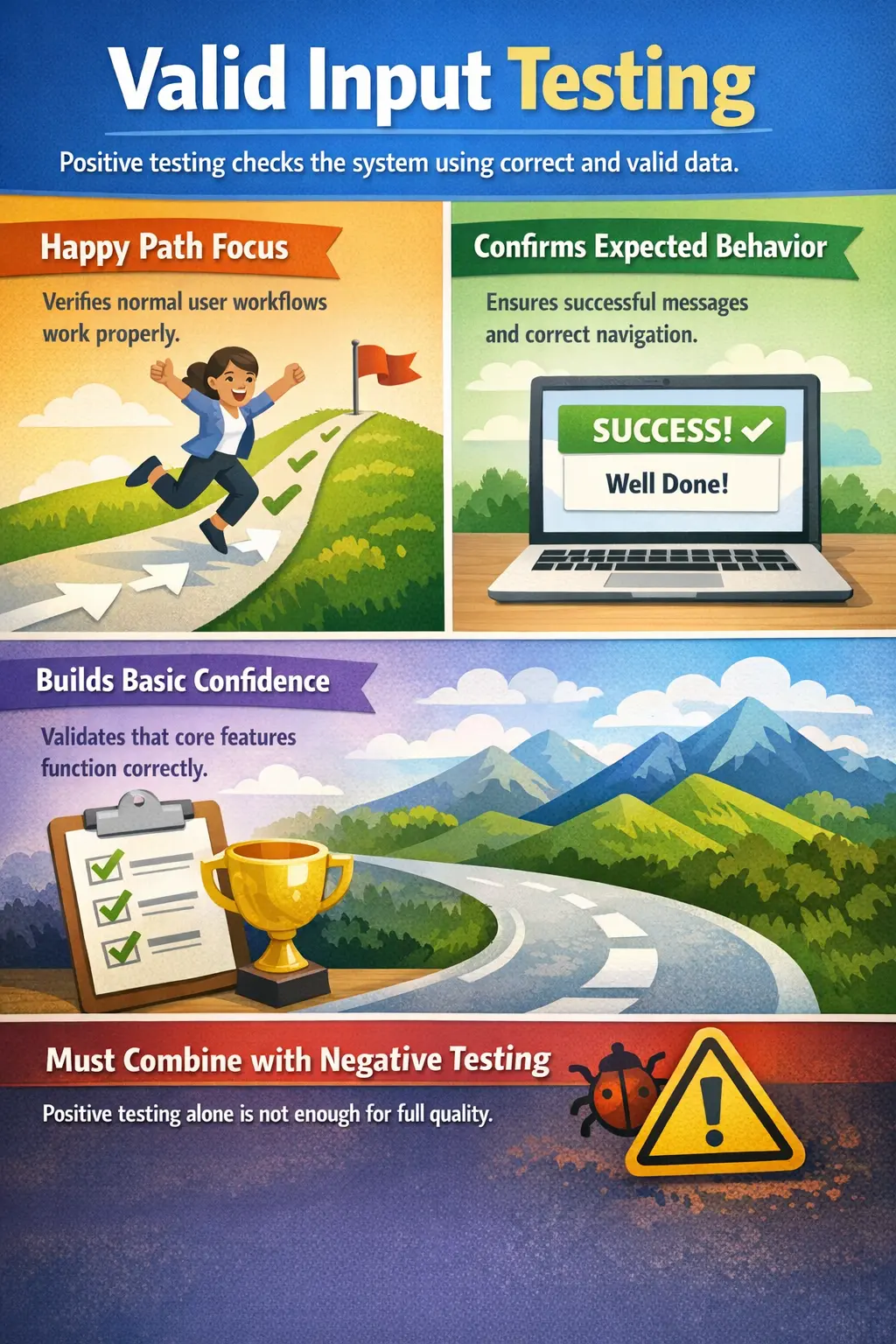
The primary objective of positive testing is to validate expected system behavior. It ensures that core functionality operates correctly when the application is used as intended. Every feature is built to support a normal business goal: a user logs in, submits a form, places an order, downloads a report, resets a password, or completes another defined workflow. Positive testing confirms that these expected workflows succeed.
By confirming happy-path scenarios, positive testing builds baseline confidence in system stability and correctness. If the application cannot handle valid input and normal workflows, then testing invalid input, unusual conditions, or rare edge cases becomes less meaningful. The system must first prove that it works when used correctly.
Positive testing also helps verify that requirements have been implemented in a user-visible way. A requirement may say that a registered user should be able to log in successfully. Positive testing confirms not only that the login request is accepted, but also that the user reaches the correct page, sees the expected message, and can continue with the next intended action.
Before exploring edge cases or invalid conditions, the system must first prove it works under standard usage. Positive testing therefore acts as the foundation for the rest of the testing strategy.
Scope of Positive Testing
Positive testing covers valid input combinations, correct data formats, and standard user actions. It validates common workflows that typical users follow. These scenarios represent normal business usage and ensure that essential functionality is operational.
The scope includes valid field values, approved selections, correct credentials, available products, active accounts, allowed roles, valid dates, sufficient balances, supported file types, and normal navigation sequences. The tester uses data that should be accepted by the system and verifies that the system responds successfully.
Positive testing also covers end-to-end happy paths. In an e-commerce application, a positive scenario may include searching for a product, adding it to the cart, entering valid shipping information, making payment, and receiving order confirmation. In a banking application, it may include login, balance check, fund transfer with sufficient balance, and confirmation.
The focus is not on breaking the system but on confirming that it functions properly when used correctly. This does not make positive testing simple or low value. Many serious defects are found even when valid data is used, especially when workflows involve calculations, integrations, permissions, or multiple system updates.
The scope should be based on requirements and business priority. Critical workflows should receive strong positive coverage first because they represent the behavior users and stakeholders expect the product to deliver every day.
Role of the Manual Tester
The manual tester identifies happy-path scenarios derived from functional requirements and acceptance criteria. The tester studies what the system is expected to do under normal conditions and converts those expectations into clear test scenarios. This requires understanding both the requirement and the business purpose behind it.
Test cases are designed using valid and approved data. The tester prepares users, accounts, products, forms, roles, files, or transactions that should be accepted by the system. Good test data is important because weak or unrealistic data can make a positive test less meaningful.
During execution, the tester verifies successful outcomes such as correct navigation, expected messages, accurate data processing, proper system responses, saved records, generated confirmations, and updated status. The tester should not stop at "no error displayed." A positive test passes only when the full expected outcome occurs.
Attention is given to confirming that outputs match business expectations. For example, if an order is placed successfully, the tester checks whether the order number is generated, the status is correct, the confirmation message appears, and the order is visible in order history. Positive testing is about complete expected success, not partial success.
The manual tester also documents results clearly. If a positive scenario fails, the defect report should explain which valid input or normal workflow failed, what the expected success outcome was, and what happened instead.
Positive Testing Compared to Negative Testing
Positive testing uses valid inputs to confirm expected functionality, while negative testing uses invalid or unexpected inputs to verify error handling. Positive testing validates success scenarios, whereas negative testing ensures controlled failure. Both are necessary because software must succeed correctly and fail safely.
Positive testing answers questions such as: Can a valid user log in? Can a customer place an order with valid payment details? Can an admin approve a valid request? Can a user upload a supported file? Negative testing answers questions such as: What happens with invalid credentials? What happens when payment details are missing? What happens if an unauthorized user attempts approval?
Positive testing usually comes first because it establishes the baseline. If the valid path does not work, the team must fix that before spending too much time on invalid paths. Once the happy path works, negative testing, boundary testing, and exploratory testing can evaluate robustness.
Both approaches are essential for comprehensive quality validation, but positive testing establishes the functional baseline. It proves that the application can deliver its intended value when used normally.
Real-Time Example
Consider a login feature. Positive testing involves entering a valid username and password, verifying successful authentication, and confirming that the user is redirected to the dashboard. The tester ensures that no unexpected errors occur and that the workflow completes smoothly.
A strong positive login test checks more than the login button response. It verifies that the correct user profile is loaded, the session is created, the landing page is appropriate for the user's role, and the user can access allowed features after login. If the user is an admin, the admin dashboard should appear. If the user is a regular customer, the customer dashboard should appear.
Another example is order placement. Positive testing uses an available product, valid shipping address, accepted payment method, sufficient stock, and active customer account. The tester verifies that the order is placed, payment is processed, order confirmation appears, email is triggered if expected, and order history reflects the new order.
In a report generation feature, positive testing may involve selecting a valid date range, choosing an available report type, clicking Generate, and confirming that the report displays or downloads correctly. This scenario validates correct implementation of the primary feature.
Entry and Exit Criteria
Positive testing begins when functional requirements are finalized or stable enough for execution and test cases are prepared. The tester should have valid test data, access to the test environment, clear expected results, and an understanding of the normal workflow. Without these prerequisites, positive testing may produce unclear or unreliable results.
It concludes when all planned positive scenarios have been executed successfully and core workflows are functioning without critical defects. If positive tests fail for critical paths, the build may not be ready for deeper negative or regression testing because the basic expected behavior is not working.
Successful positive testing indicates that the system behaves correctly under normal operating conditions. It does not prove that the system is complete or defect-free, but it confirms that the expected success paths are working.
Entry and exit criteria help keep positive testing controlled. They clarify when testing can begin, what must be executed, and what result is needed before the team can move forward confidently.
Common Defects Identified
Even in positive testing, defects can occur. These may include incorrect success messages, unexpected navigation flows, incorrect data persistence, or incomplete processing. Such defects reveal gaps between requirement expectations and implementation.
Incorrect success messages are common. The system may complete an action but show the wrong confirmation, no confirmation, or a message that confuses the user. In positive testing, success feedback matters because the user needs to know that the action completed.
Unexpected navigation flows can also appear. A user may submit valid data but land on the wrong page. A customer may log in successfully but be redirected to an admin page. A completed form may return the user to the start instead of the summary page. These are positive path defects because valid actions produce the wrong flow.
Incorrect data persistence is another important defect type. The system may show that data was saved, but the record may not appear later, may appear with missing values, or may be stored under the wrong user. A positive test should verify the result beyond the immediate screen when data processing is part of the requirement.
Incomplete processing can occur when only part of the expected workflow happens. An order may be created but payment is not captured. A profile may update but notification is not sent. A report may generate but totals are wrong. These defects show why positive testing must validate the complete expected outcome.
Common Mistakes
A frequent mistake is limiting testing only to positive scenarios. While confirming happy paths is necessary, relying solely on positive testing can overlook error-handling weaknesses. Another mistake is assuming that passing positive tests guarantees overall quality. Comprehensive validation requires both positive and negative coverage.
Another mistake is making positive tests too shallow. A tester may click through a flow and mark it passed simply because no error appears. A proper positive test checks the expected result, data changes, messages, navigation, and any downstream effect defined by the requirement.
Poor test data is also a common issue. If the tester uses unrealistic or incomplete data, the positive test may not represent real business usage. Valid test data should reflect actual user conditions as much as possible.
Some teams skip positive testing because they assume developers already checked it. Developer checks are useful, but independent QA validation confirms the behavior from the requirement and user perspective.
Positive testing should be treated as foundational, not optional. It confirms that the product can perform its intended work before the team evaluates how it handles mistakes and unusual conditions.
Best Practices for Positive Testing
The first best practice is to derive positive scenarios directly from requirements and acceptance criteria. Each important expected behavior should have at least one clear positive test. This keeps testing aligned with what the product is supposed to deliver.
The second best practice is to use realistic valid data. A valid user, valid account, valid product, valid payment method, valid file, or valid date range should reflect real business usage. Realistic data makes test results more meaningful.
The third best practice is to verify complete outcomes. Do not stop at the immediate screen response. Check whether data is saved, status is updated, confirmation appears, related records are created, or downstream messages are triggered when required.
The fourth best practice is to prioritize core workflows. Login, registration, order placement, payment, report generation, approval, and other high-value flows should be validated early and consistently.
The fifth best practice is to use positive testing as the base for later coverage. Once happy paths work, testers can extend coverage into negative scenarios, boundary values, edge cases, and regression tests.
Positive Testing in Agile Projects
In Agile projects, positive testing is closely tied to acceptance criteria. A user story is not truly ready for acceptance if its main success path does not work. Testers validate the expected flow as soon as the story is available in the test environment.
Positive tests often become the first automation candidates because they represent stable, important, and repeatable business behavior. A critical happy path that must work in every build is a strong candidate for smoke or regression automation.
During sprint testing, positive testing gives quick feedback on whether the story delivers its intended value. If the happy path fails, the team can correct the issue before spending time on less common paths.
Designing Positive Test Cases
Designing positive test cases begins with identifying what success means for the feature. The tester should not simply ask which fields are valid. They should ask what the user is trying to accomplish and what the system must do when the user provides correct information. This makes the test case outcome-focused.
A well-written positive test case includes valid preconditions, valid input data, clear execution steps, and a complete expected result. For example, a positive registration test should define a new valid email, acceptable password, required profile information, expected confirmation, and whether the user account is created in active or pending status.
Positive test cases should also avoid unnecessary complexity. If a test is meant to validate successful login, it should not also validate password reset, profile update, and logout in the same case unless the purpose is an end-to-end workflow. Focused tests are easier to understand, execute, and maintain.
At the same time, some positive tests should cover complete business journeys. A complete happy-path order journey, for example, may be useful as a smoke or regression test because it proves that multiple important pieces work together. The tester should choose the right level of detail based on the purpose of the test.
Limitations of Positive Testing
Positive testing is necessary, but it has limitations. It confirms that the application works when users do the right thing, but it does not prove that the application handles mistakes correctly. Real users enter wrong values, skip fields, lose network connection, use expired links, upload unsupported files, and attempt actions without permission.
Positive testing also does not fully validate boundaries. A valid input may work in the middle of an accepted range, but the system may fail at the minimum or maximum allowed value. Boundary value testing is needed to verify those limits.
Another limitation is that positive tests can create false confidence when they are too narrow. If a tester validates only one valid user, one valid product, or one valid date, the team may believe the feature works more broadly than it actually does. Good positive testing should include representative valid variations.
Because of these limitations, positive testing should always be combined with negative testing, boundary testing, exploratory testing, regression testing, and business rule testing where appropriate.
Documentation and Traceability
Positive testing should be traceable to requirements and acceptance criteria. If a requirement states that a user can submit a valid application, the positive test should clearly show that this success path was validated. Traceability helps teams prove coverage and identify gaps.
Documentation should capture the valid data used, the expected result, and the actual result. This is useful when defects are found later. The team can review whether the happy path was tested, which data was used, and whether additional scenarios are needed.
In regulated or business-critical systems, positive test evidence may be important for audit and sign-off. Screenshots, generated files, transaction IDs, confirmation numbers, or logs may be attached when they prove that the expected success flow was completed.
Interview Perspective
In interviews, positive testing is typically described as validating system behavior using valid inputs. A strong answer emphasizes that it confirms core functionality and ensures the application works correctly under normal user conditions.
A stronger interview answer explains that positive testing validates happy-path scenarios, expected navigation, correct messages, valid data processing, and successful business outcomes. It should also mention that positive testing establishes the functional baseline before negative and boundary testing are performed.
If asked for an example, login is simple and effective. The tester enters a valid username and password, confirms successful authentication, verifies dashboard redirection, and checks that the correct user session is created. This shows that the tester understands outcome validation, not only input entry.
If asked whether positive testing alone is enough, the answer should be no. Positive testing confirms that valid usage works, but complete testing also requires negative testing, boundary testing, exploratory testing, and regression testing depending on the application risk.
Key Takeaway
Positive Testing confirms that the system performs as expected in standard workflows. It establishes functional correctness but must always be complemented by negative and boundary testing to ensure complete coverage and robust software quality.
The practical value of positive testing is confidence in normal usage. It proves that the product can perform its intended work when users provide valid data and follow expected workflows. Without this baseline, the rest of the testing effort has a weak foundation.
Good positive testing is not just easy-path clicking. It validates the complete expected result, including navigation, messages, processing, saved data, and business outcomes. When combined with negative and boundary testing, it helps create a balanced and reliable quality picture.